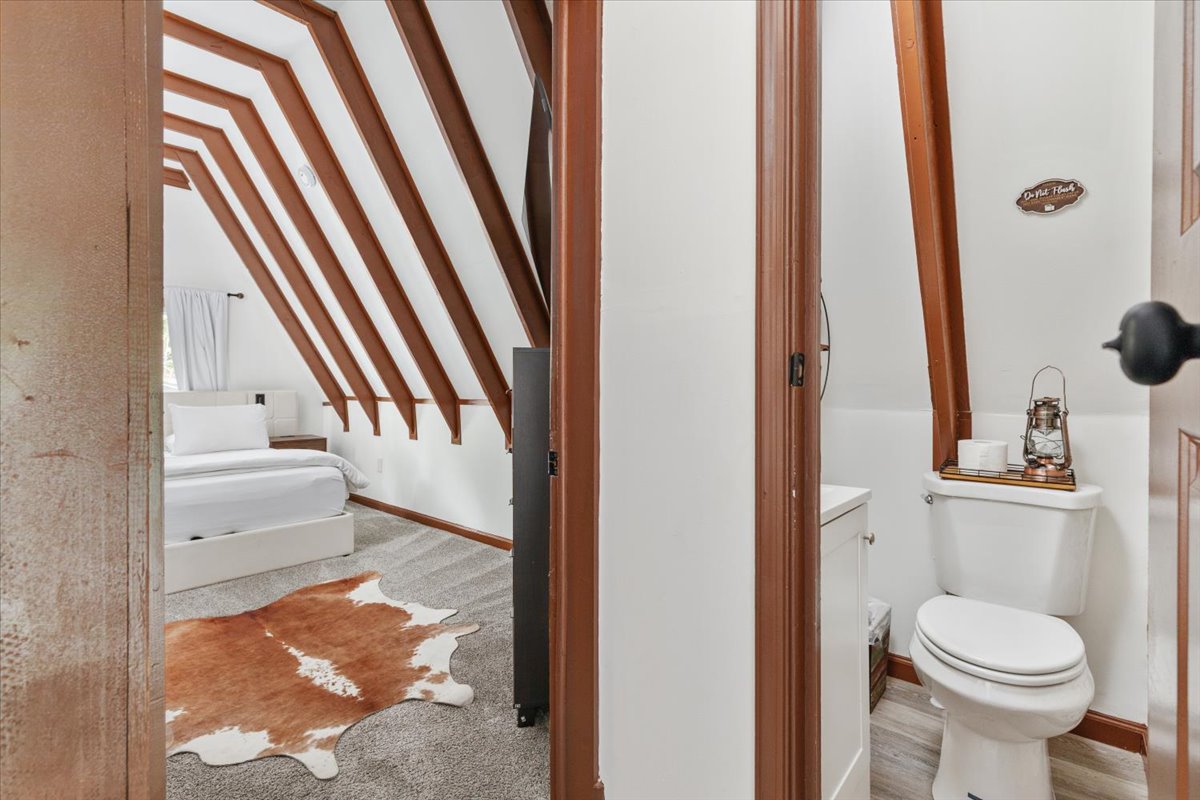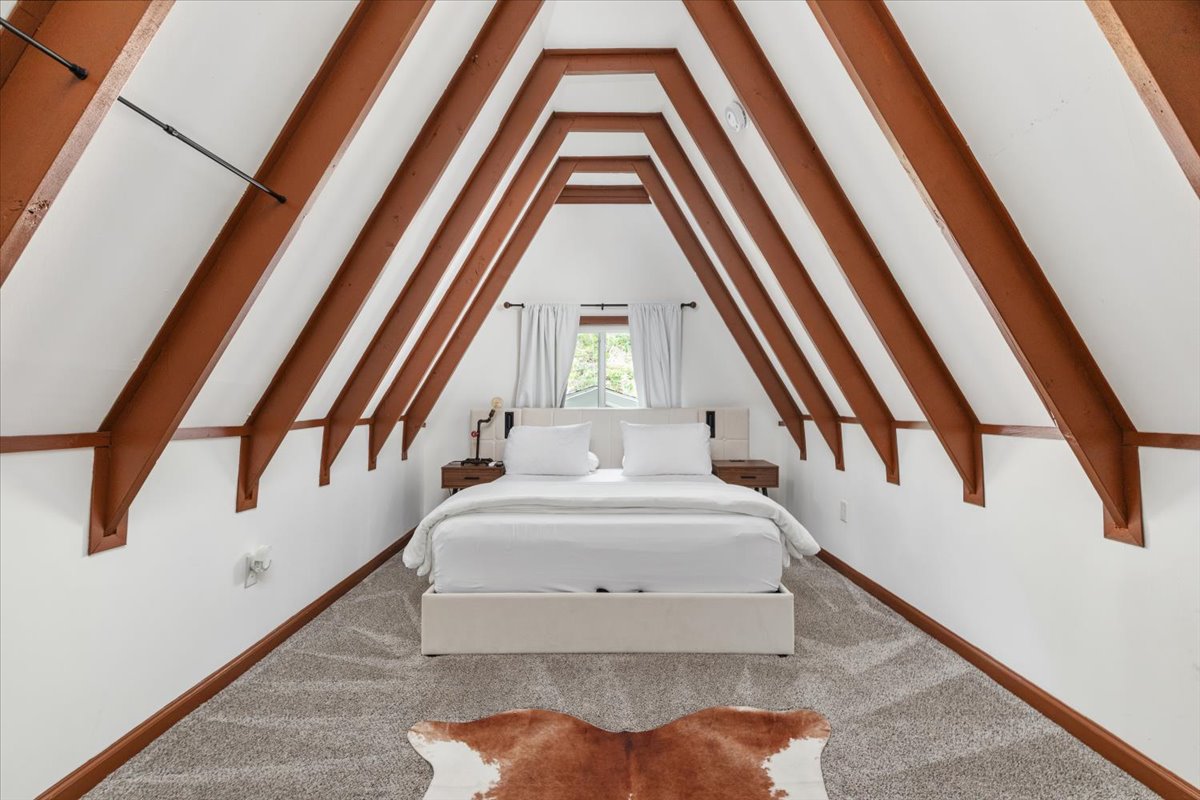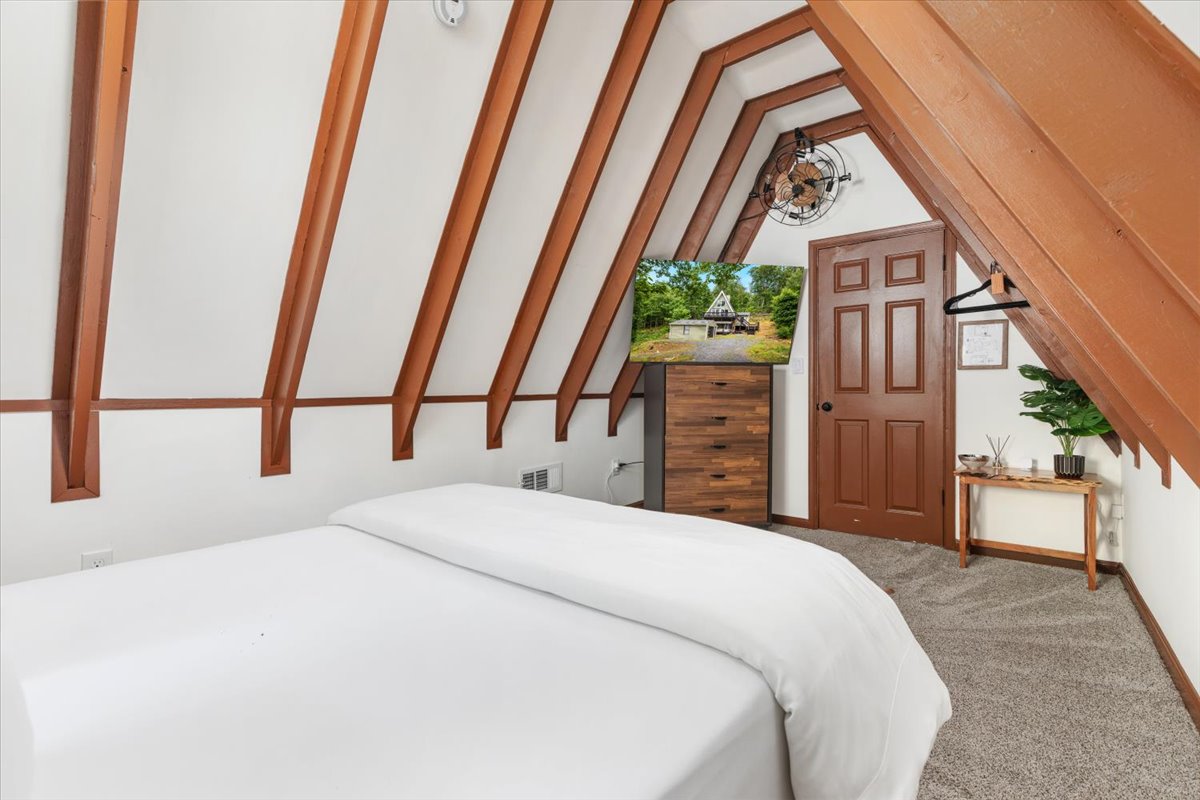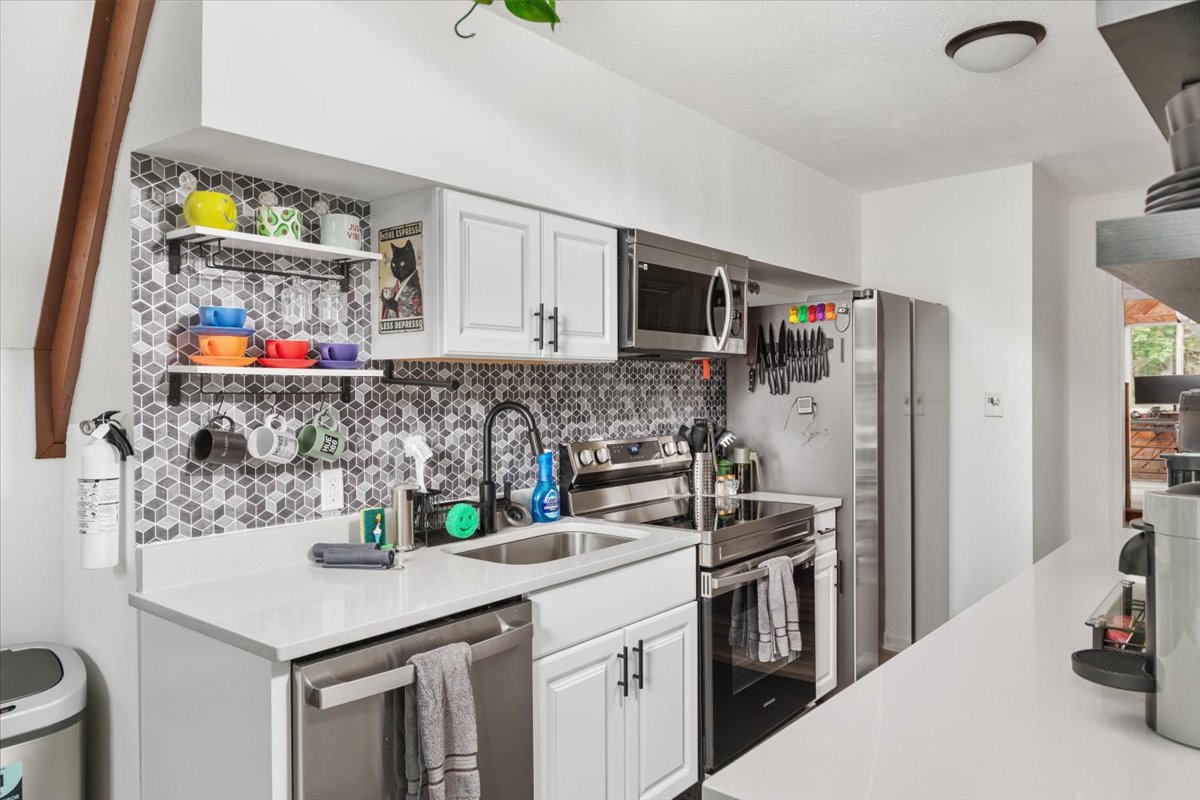
Shenandoah Valley · VA

Welcome to the
Olive A-Frame

We are thrilled to host you and hope you make some awesome memories during your stay. We've packed this guide with everything you need to feel right at home. If you notice anything missing, have any questions at all, or if there is anything preventing this from being a 5⭐ stay, please message us immediately so we can make it right.

📌 Quick Access

Essentials

Wi-Fi Network

Dogwood A Frame

Property Address

126 Dogwood Trl, Winchester, VA 22602

Open in Maps126 Dogwood Trl, Winchester, VA 22602

Community Amenities

The Shawneeland community also offers a small lake with beach volleyball. See the maps link attached in this guide :)

Open Amenities Location in Maps

🔑 Check-In

Arrival & Access

Getting Here & Parking

Road Conditions: The roads are paved and well-maintained. The driveway is gravel and has a slight grade. If you arrive after a few inches of snow, 4WD is highly recommended, or you can park at the top of the driveway to avoid getting stuck.

Parking Logistics: There is plenty of parking for 2 to 3 cars in front of the house. You will need to make a 3-point turn in the gravel area in front to turn around if you don't want to reverse up the driveway.

Getting Inside

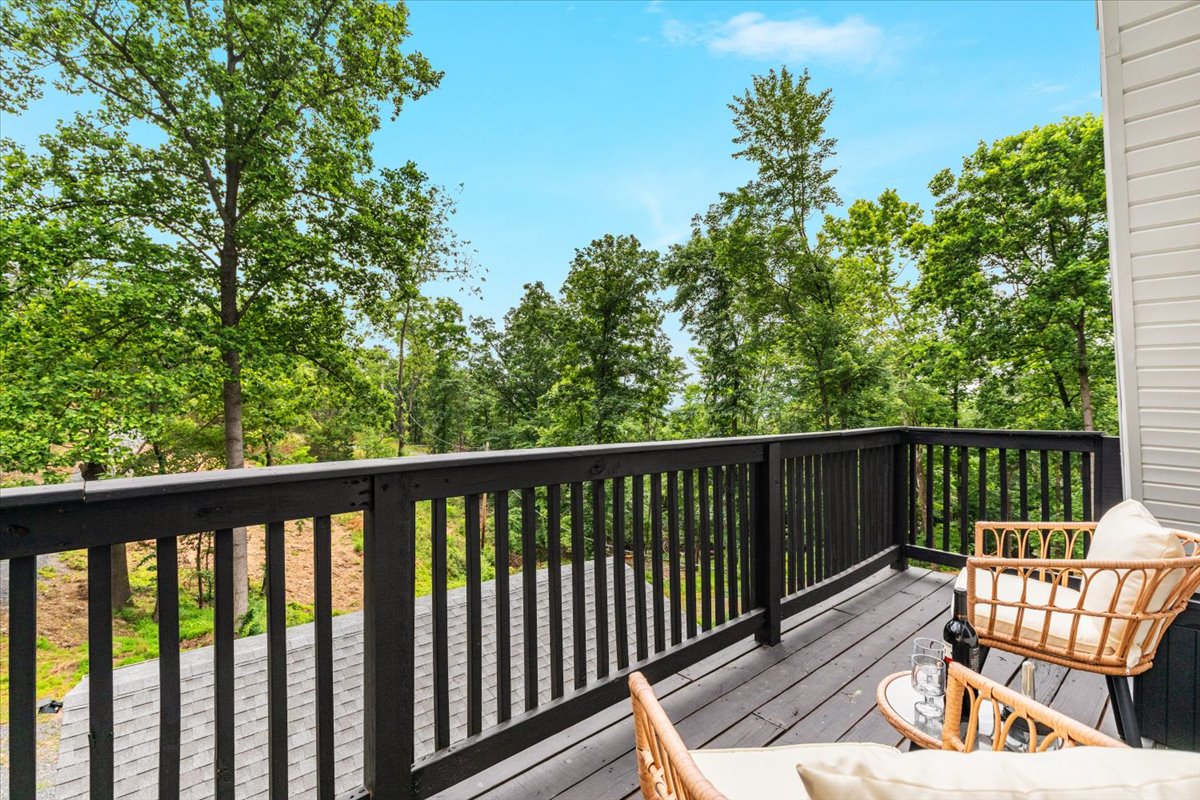
Entrance Door: The stairway up to the balcony is blocked off for your privacy. Please use the white door on the ground floor to come in.

Smart Lock Instructions: Use the Yale lock. Just type the last 4 numbers of your phone, then hit the "Yale" button. It locks itself automatically after a minute, so you don't have to worry about it, or you can manually lock it after you get inside.

Yale Lock Keypad
Yale Lock Keypad

🏡 House Rules

Rules & Property Info

Water & Waste: We are out in the country, which means we have our own well for water and a septic tank for waste.

Water Filter Night Cycle: If you hear water running late at night, don't panic—it's just the water filter cleaning itself to keep your water fresh.

Toilet Policy: Since we use a septic system, please only flush "Septic Safe toilet paper". No wipes or other stuff, or the toilet will get very upset (and messy).

Kitchen Sink: Please use the strainer to catch food/scraps and do not put grease down the drain.

Shower Handle: Hot is Cold, Cold is Hot, sorry. Plumber was a lil dyslexic.

Smoking: No Smoking or Vaping indoors.

Wildlife Protection: Please respect mother nature—there is wildlife all around, so please don't feed the wild animals.

Bears & Raccoons: Don't leave trash or food outside or in the front breezeway. We're in the mountains with Bears & Raccoons that will cause a mess and damage the breezeway trying to get inside.

🛀 Amenities

Entertainment Guide

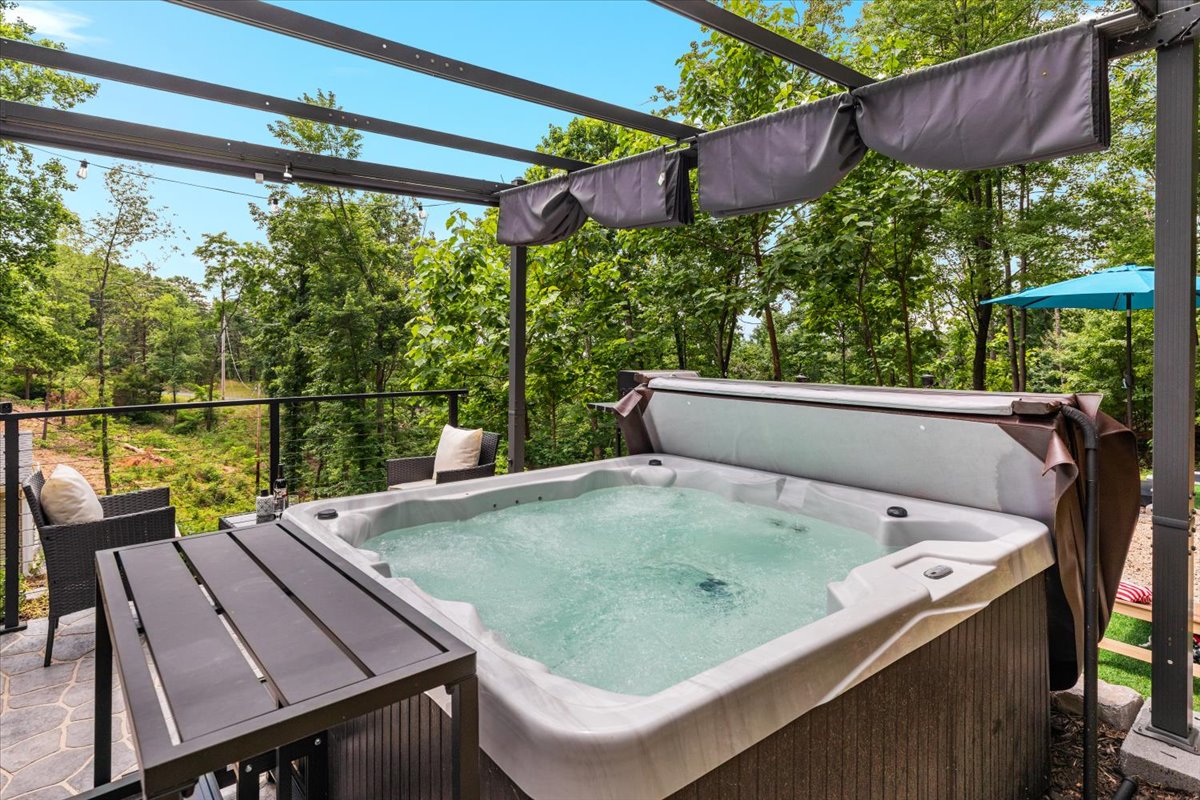
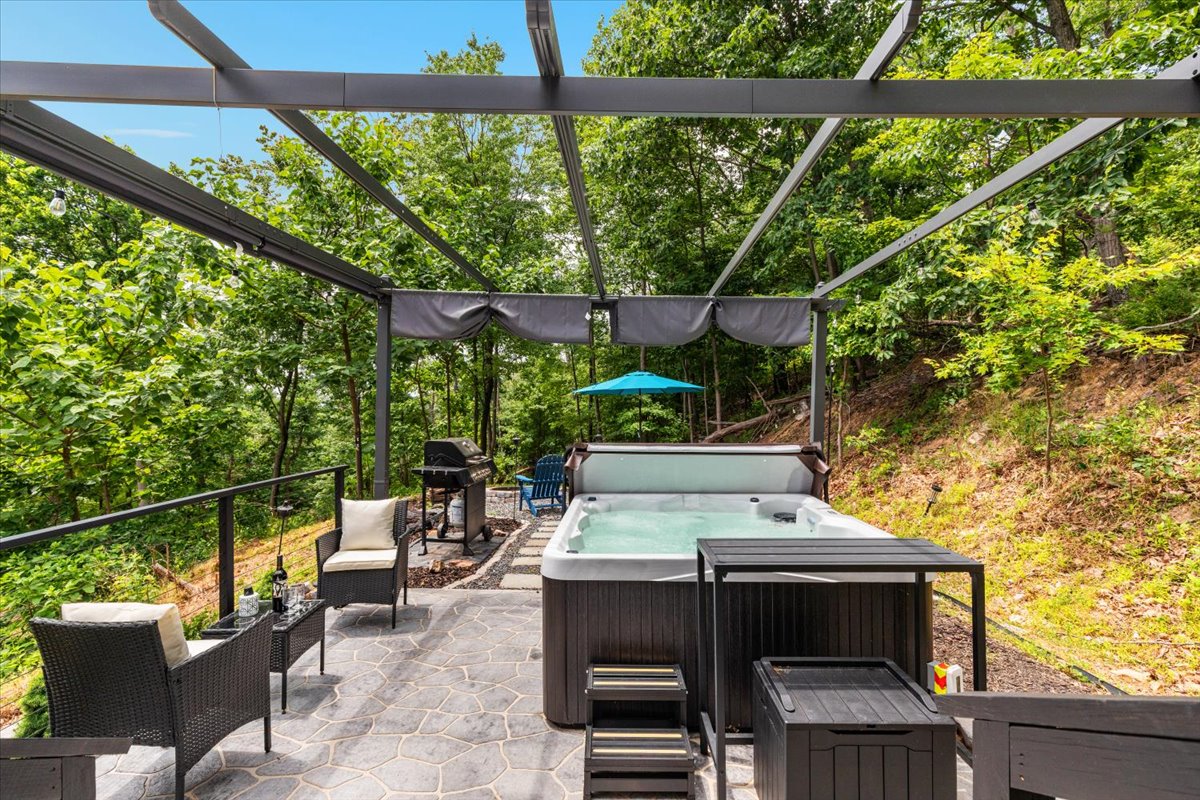
Hot Tub Rules: No snacks or glass in the tub, please. Please take a quick shower before you jump in so we keep a clean hot tub instead of a "human soup" filled with body lotions!

Post-Use Treatment: Please give the tub a treat when you're done: Add 1 Tablespoon of Shock to the Hot tub (sitting on the ledge next to the door) and run the jets on low for 1 filter cycle. If the jets are already on, press the "pump" button to turn them off, then press it again to turn them back on. Please close hot tub cover immediately after use.

Hot Tub Topside Controls
Topside Controls Reference

Control Panel Reference

A — Digital Display: Monitor operating mode, water temperature, and error messages when your spa requires attention.

B — Pump & Filtration Cycles: Controls the two-speed pump and sets filtration cycles. The pump is programmed to turn off automatically after 20 minutes; press the PUMP button to turn it back on.

C — Lights & Operating Modes: Turn lights on/off & select color, or set the operating mode.

D — Temperature Down & Programming Menu: Decrease the water temperature or program operating mode and filtration cycle settings.

E — Temperature Up & Programming Menus: Increase the water temperature. The LED indicator is illuminated when the heater is on and flashes for approximately 1 minute during polling cycles.

Fireplaces: If you use the fireplaces, please turn them off once you are done; they're not made to be left on for extended periods of time. (Pro-tip: Ask "Alexa, play fireplace sounds" to set the vibe!)

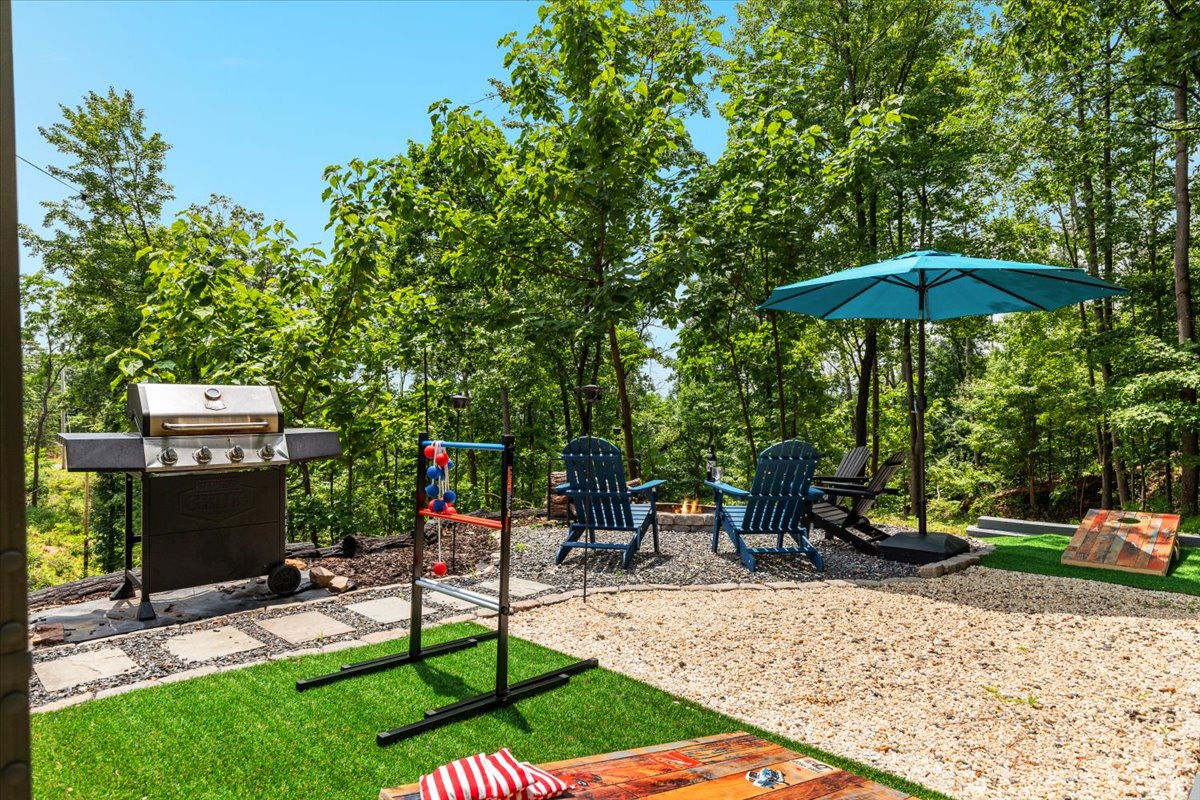
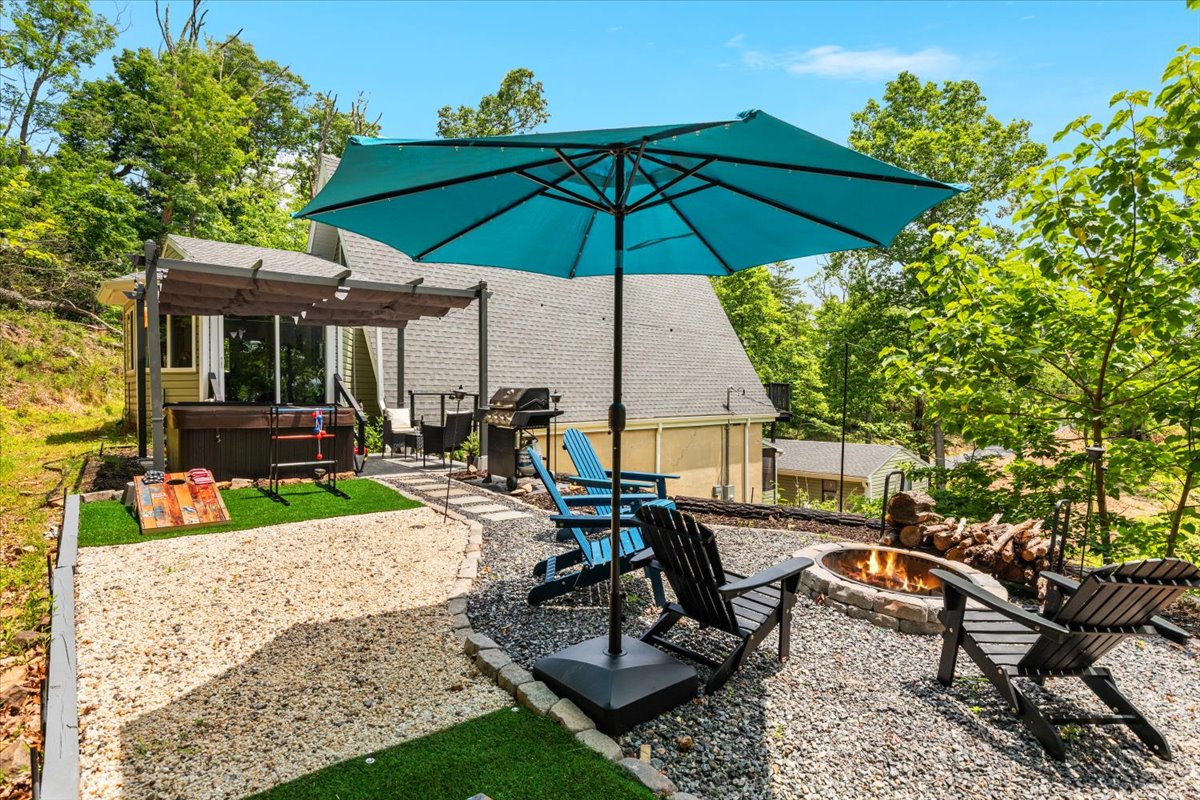
Fire Pit: Please be safe when using the fire pit and cooking skewers, please make sure the fire and embers are not still burning when you finish using it.

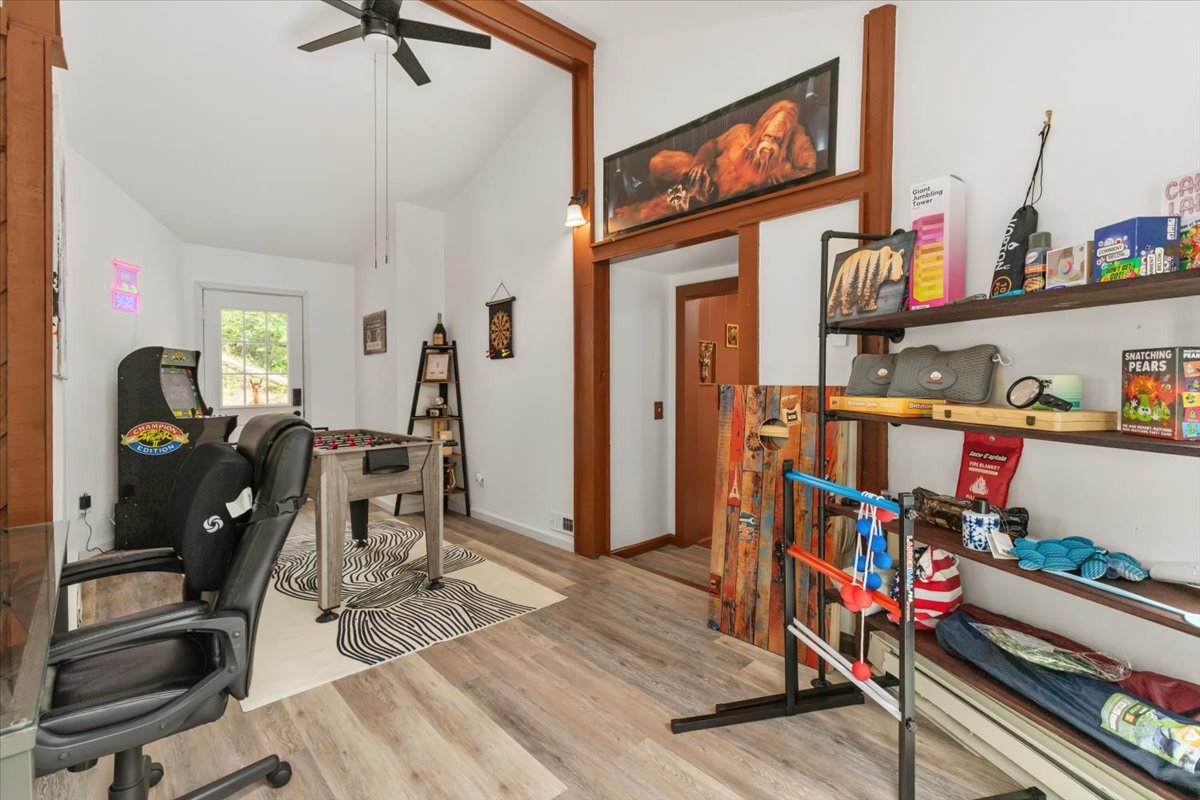
Games: When playing cornhole & ladders, please don't play in the rain/snow to prevent damage. Please bring them back inside when you're finished.

Pergola: If you pull the Pergola top cover open, please close it back when you're finished, as it gets very windy in these mountains. Use the step ladder to access the strap to free them and open/close them.

🗺️ Find Your Way

Floorplan & Light Switches

House floorplan showing ground floor, 1st floor, and 2nd floor / loft with exits
Ground floor, 1st floor, and loft — with marked exits.

Since this house is pretty quirky I've attached some photos for where the light switches are in the house so you can quickly feel at home!

1Theatre Light Switch

Theatre light switch location

2Game Room Switch

Game room light switch location

3Patio & Hot Tub Switch

Note: The Game Room switch must be ON first!

Patio and hot tub switch location

4Loft Light Switch

Loft light switch location

5Living Room Fan and Light Remote

Living room fan and light remote location

📱 Smart Home

Lighting & Voice

⚡ Golden Rule for Smart Lights

Leave traditional wall/button switches on for all smart lights. If a voice command or remote is not responding, a guest before you likely switched it off physically, by habit. This cuts the power entirely making the smart light non-functional. To fix it, just flip it on and wait around 15 seconds for the light to reconnect to wifi.

Smart Home Voice Commands

This house has a brand new brain! It's full of smart tech, so you can talk to the lights and speakers in almost every room. To control the house, just talk to any smart speaker and say:

"Alexa, turn ON/OFF [room or light name]"
"Alexa, turn ON/OFF all the lights"
"Alexa, turn the Closet light Magenta"
"Alexa, play some music"
"Alexa, what's the weather like?"

(Dimmable)

You can make it bright or dark.

(Color)

Pick any color you want. Get creative!

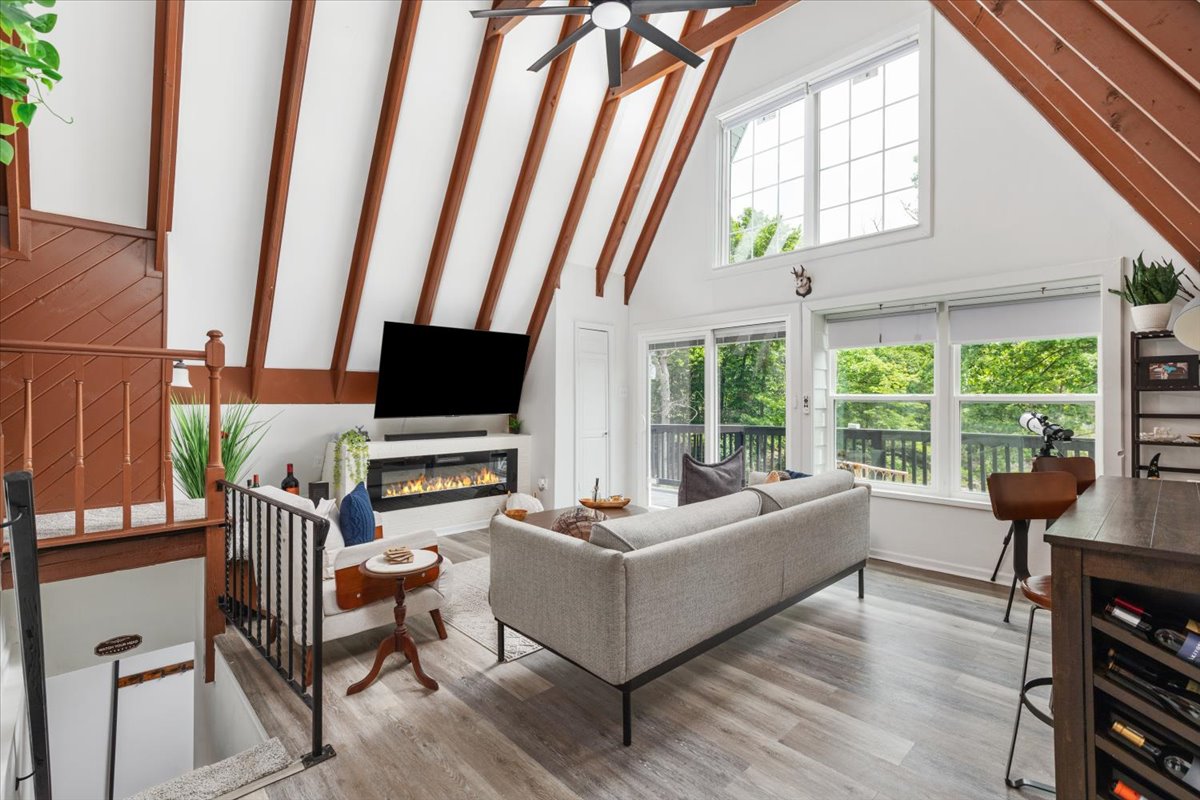
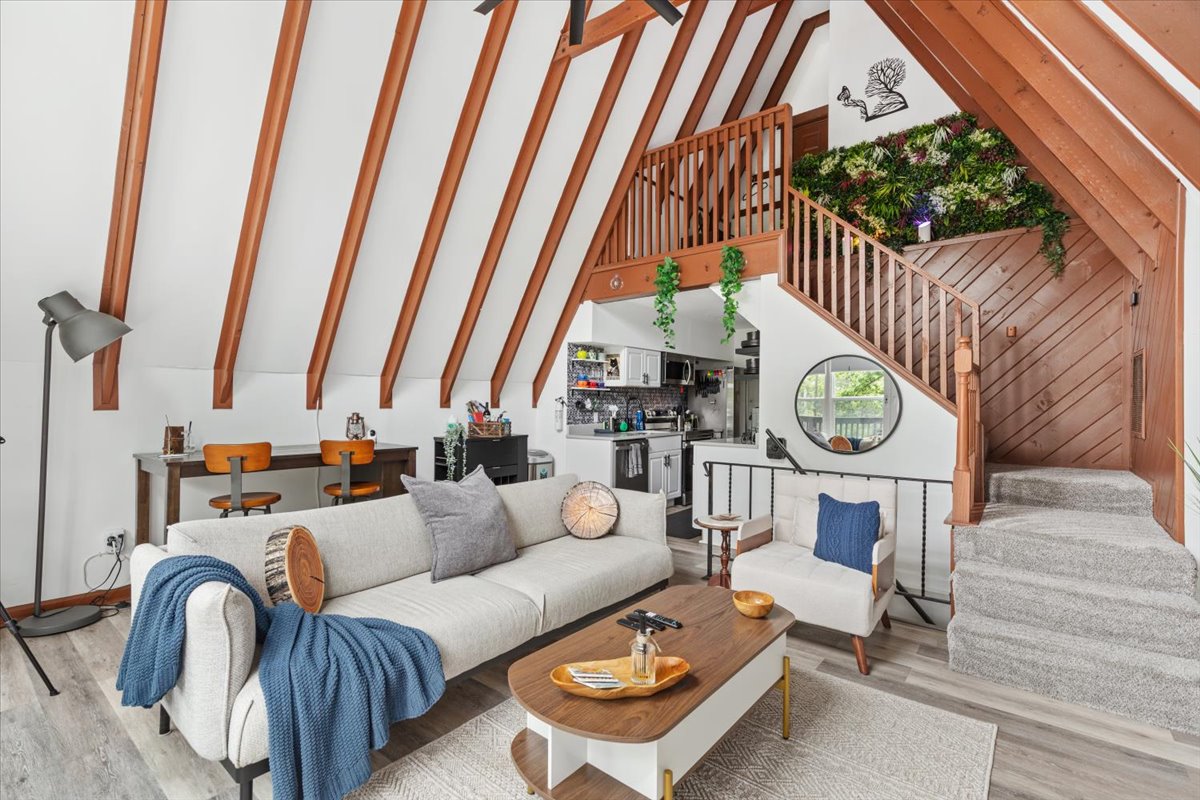
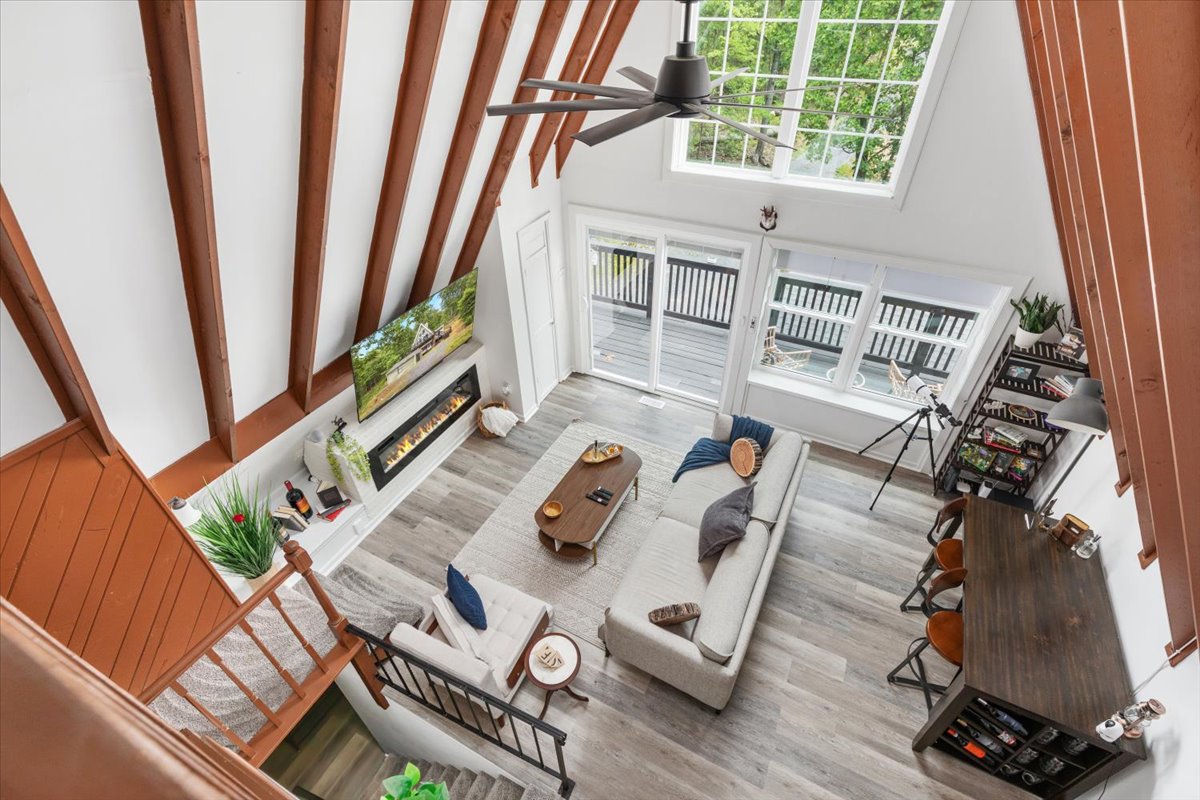
Living Room (The Smartest Spot!)

Features an Alexa Smart Speaker. Try saying: "Alexa, Cozy Vibes"

Stairway 1 & 2 (Color): "Stairway lights" flood lights in stairway to the loft

Front Porch Light (Color)

Beam Lights (Color): The glowy lights on the big ceiling beam.

Corner Living Room (Color): Light near the loft stairs.

Floor Light (Color): The lamp behind the couch.

Manual Control: There is a big remote on the wall by the windows to control the fan and lights.

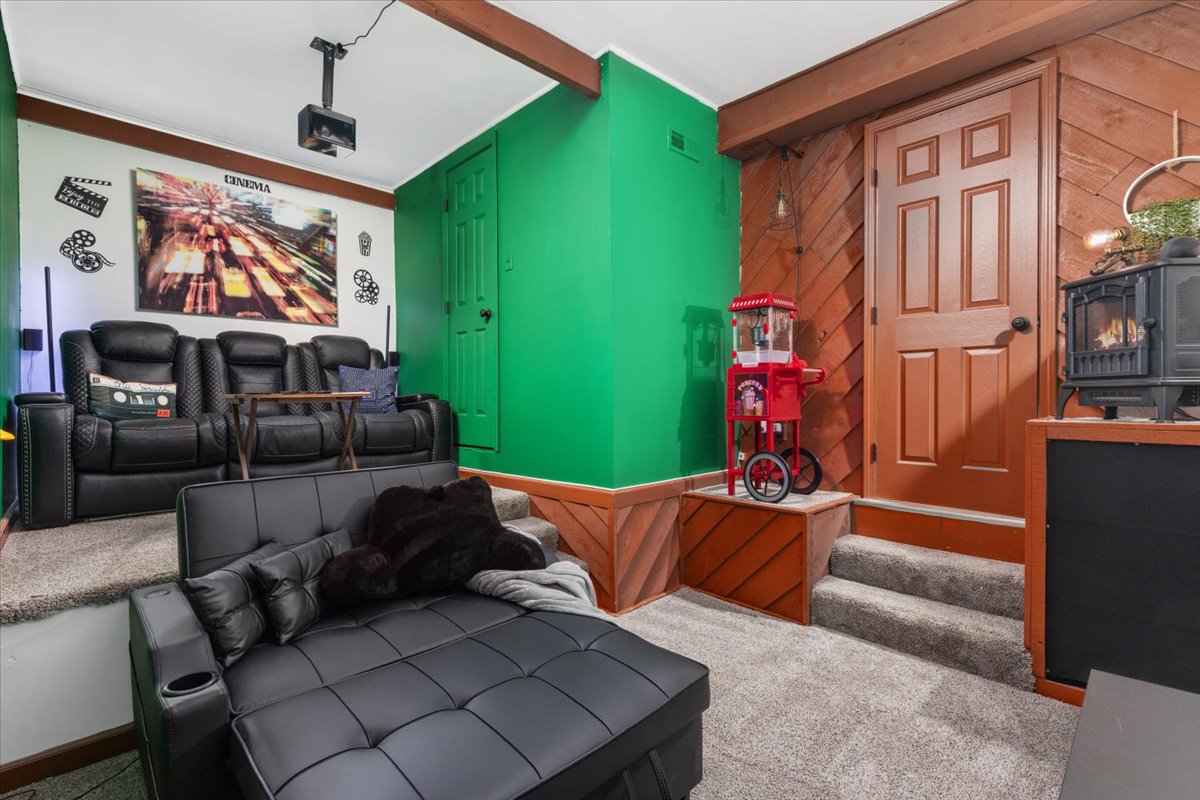
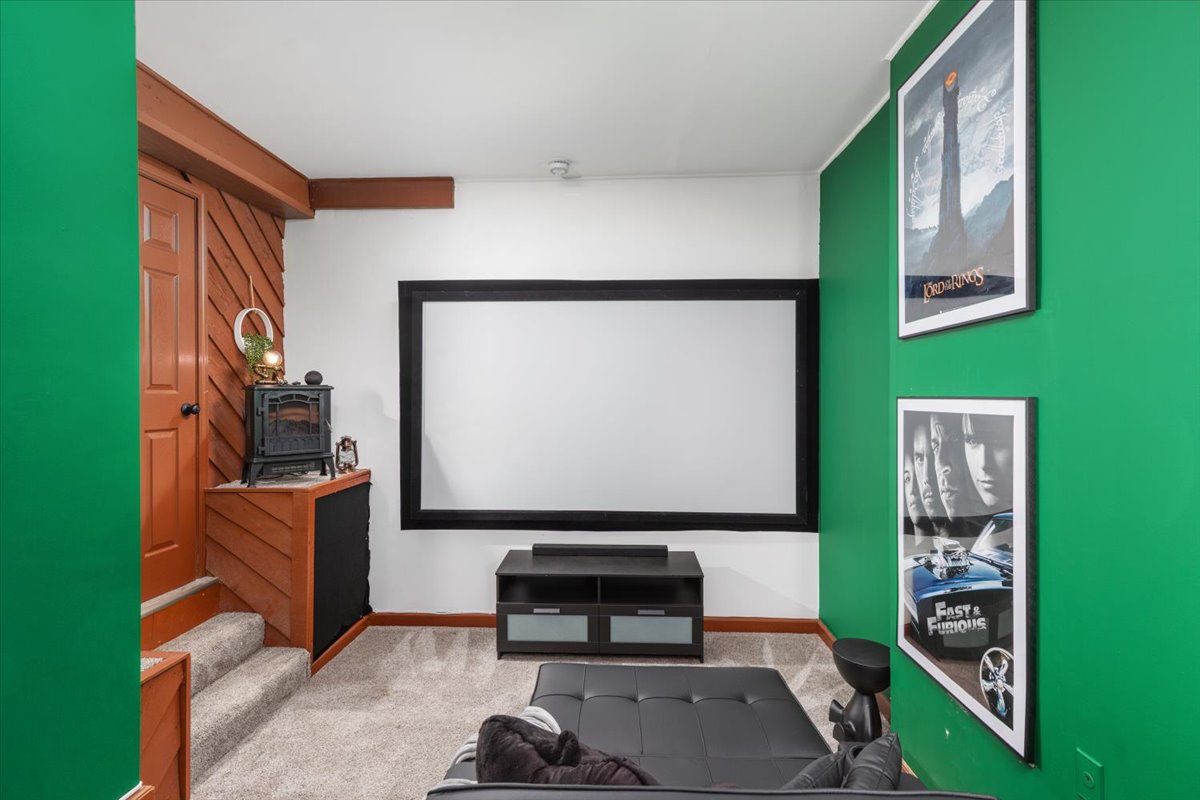
The Theatre Room

Features an Alexa Smart Speaker.

Group Command: "Turn on Theatre Lights"

LED 1 & 2 (Color): Light bars by the couch.

Manual Control: There's also a regular switch outside the door and a remote for colors.

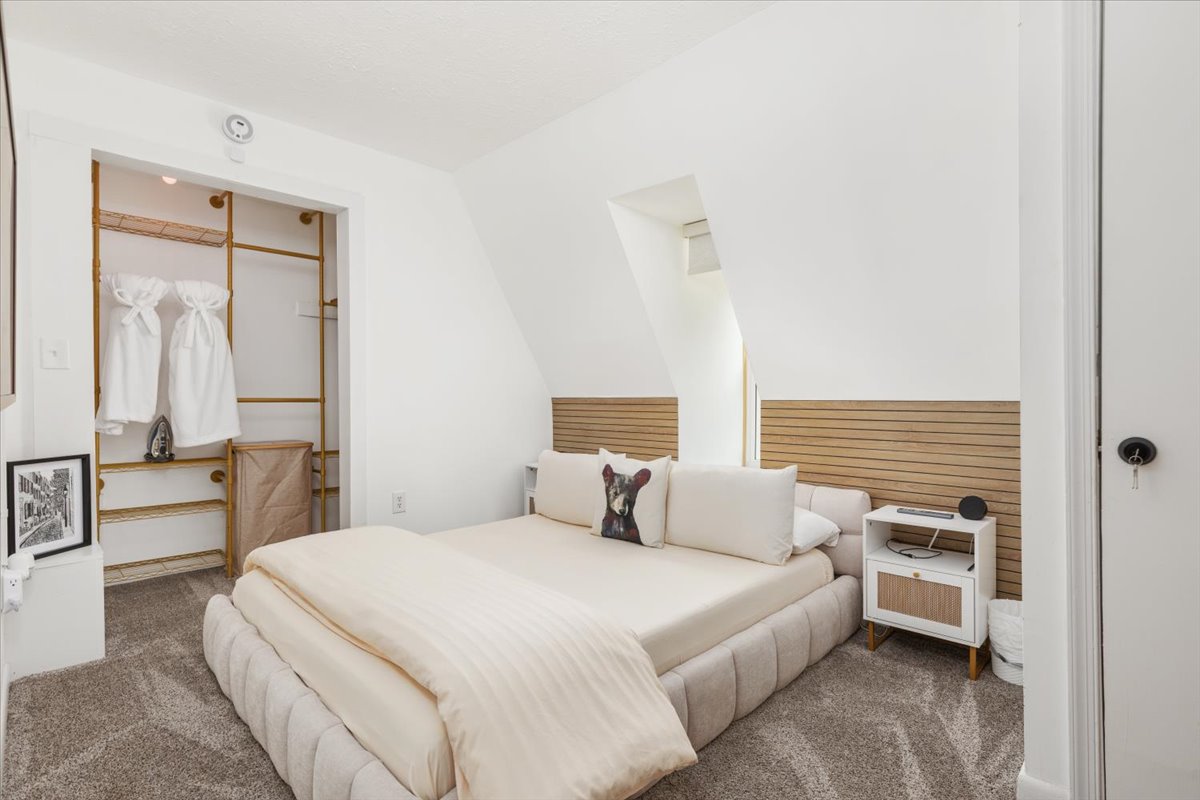
Bedroom

Features an Alexa Smart Speaker.

Closet Light (Color)

The Loft

Features an Alexa Smart Speaker.

Use the wall switch and remote for the fan.

Reading lights: Just pull them out to turn on and push them in to turn off.

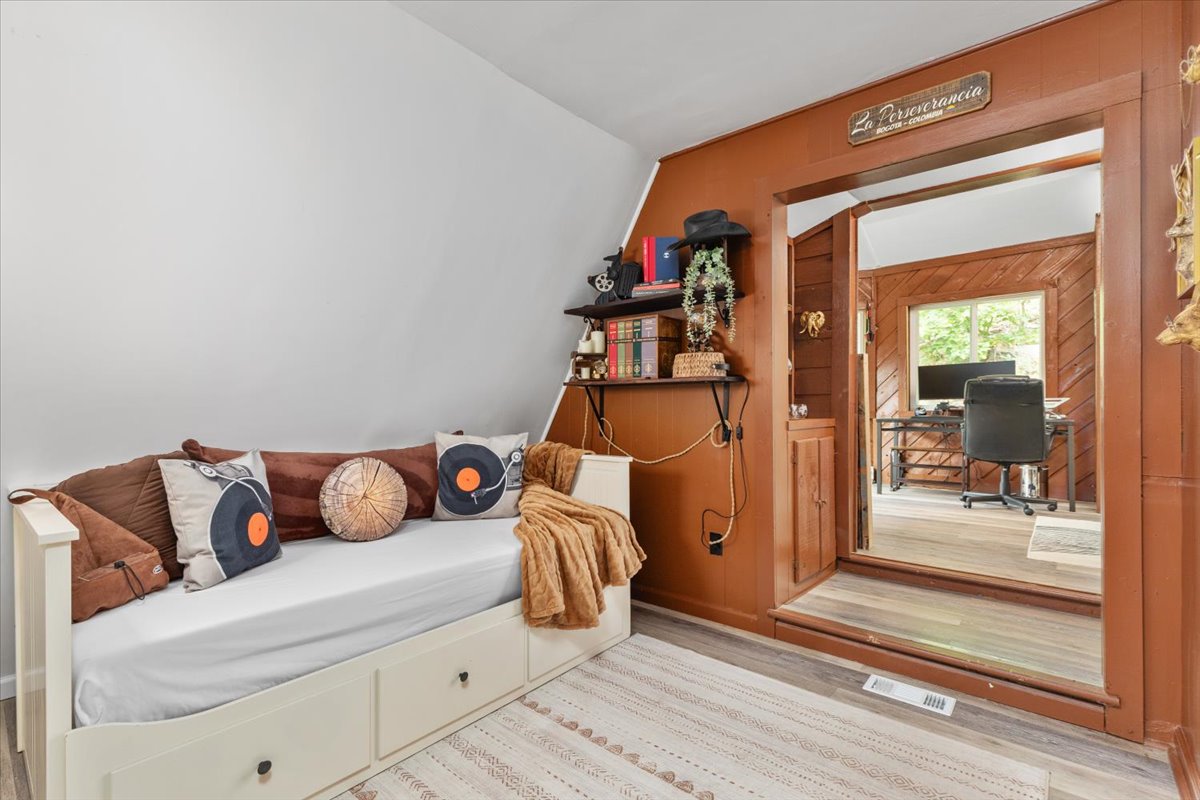
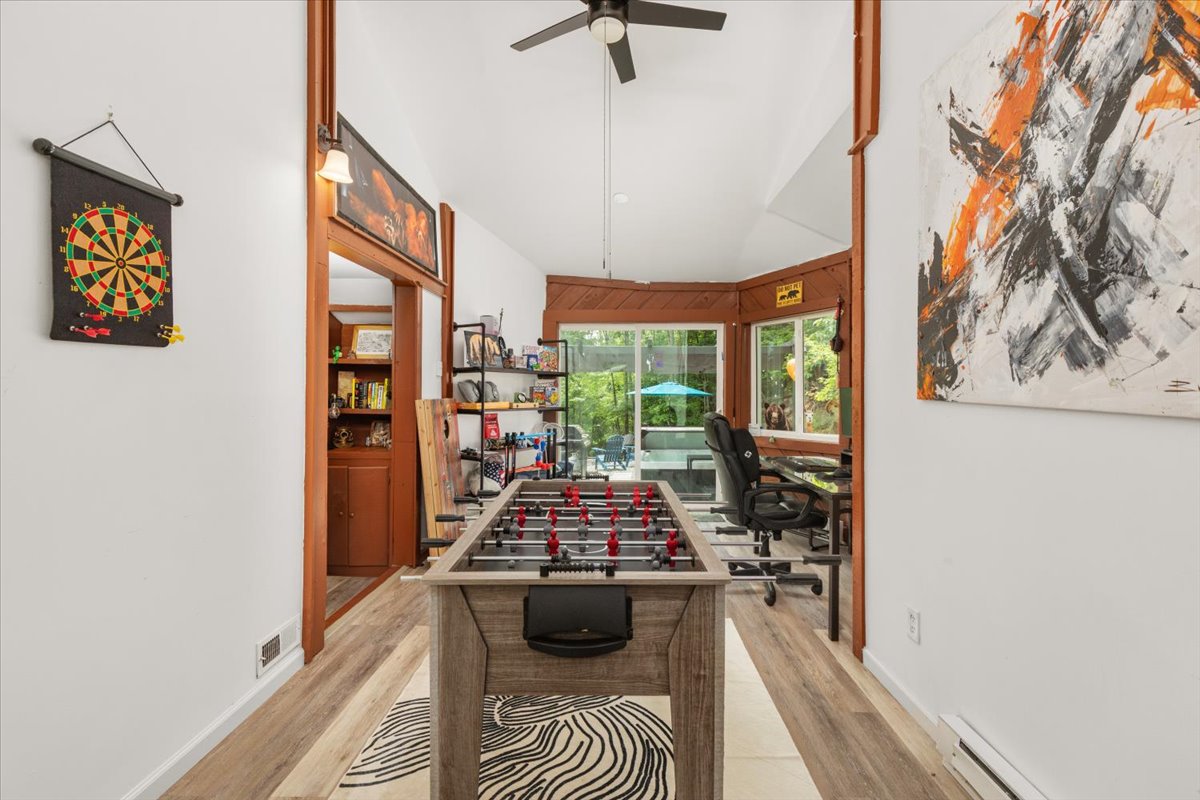
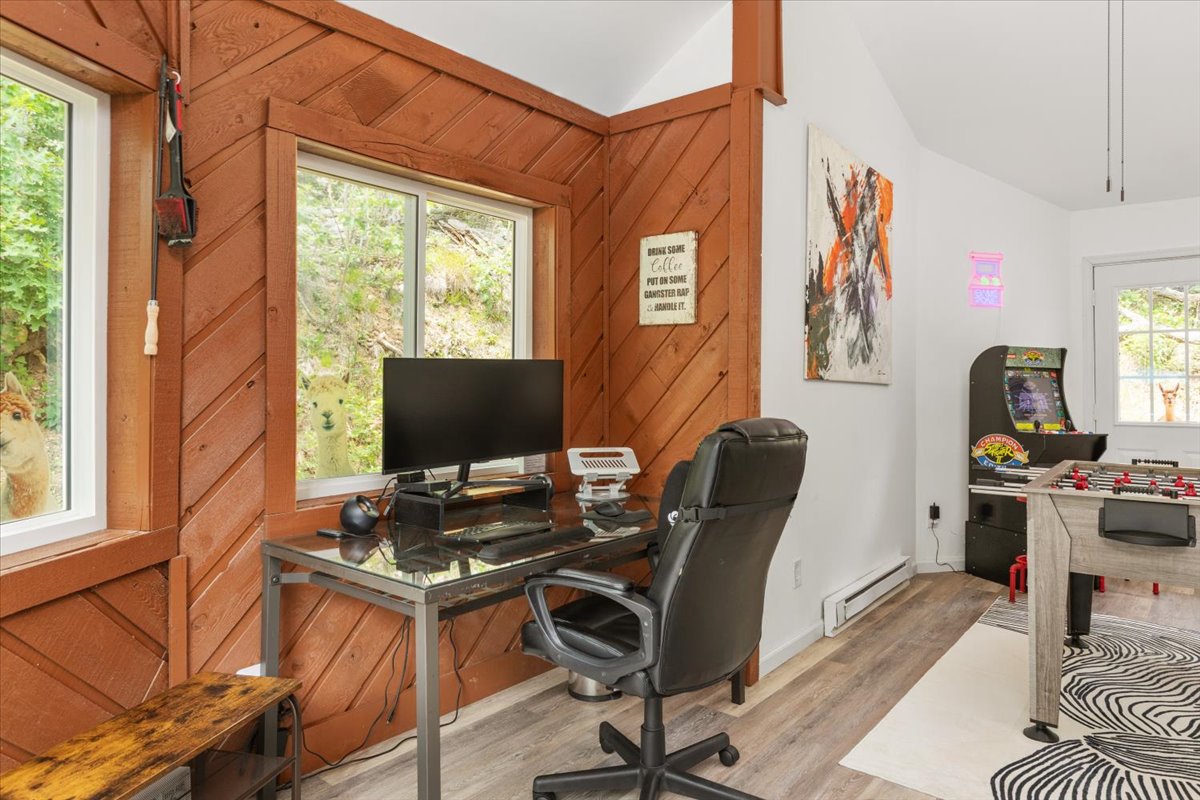
Game Room / Office

Use the regular switch on the wall near the Reading Nook.

Reading Nook: "Nook Light" (Dimmable)